

Accurate listings, faster quotes, global reach. Sales Layer keeps your Direct Industry catalog complete, consistent, and localized across nine languages, automating data exports, validation, and updates to boost findability and speed from RFQ to quote.

Send clean product data from Sales Layer to Direct Industry with one source of truth. Map fields once, include specs, images, and PDFs, then export on a schedule. Required fields, ranges, and validation rules block errors before publish. Quality Score shows what to fix first. Templates and unit normalization keep data consistent. Clean attributes feed filters and buying guides, improving findability and cutting RFQ churn in your key categories.
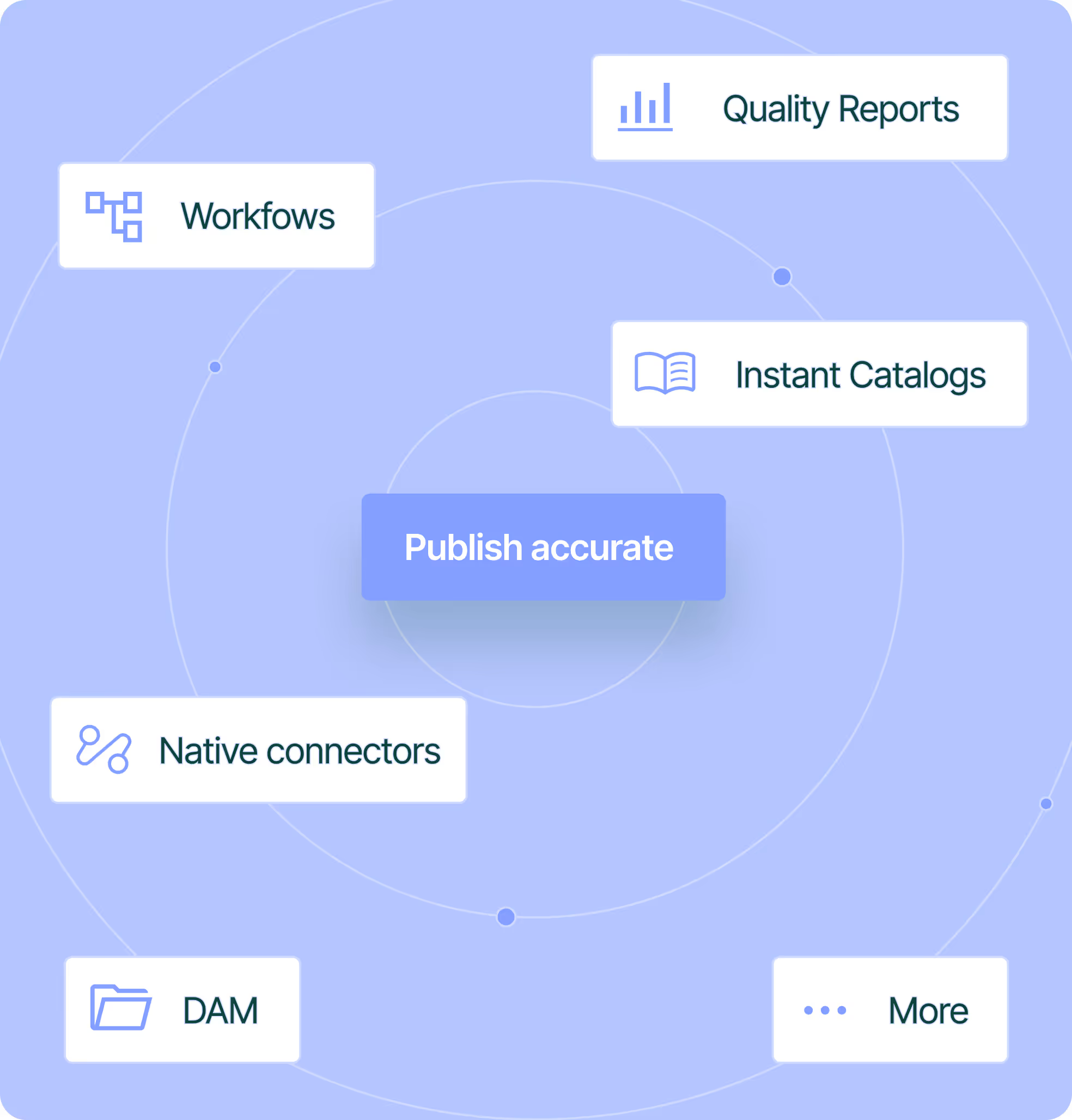
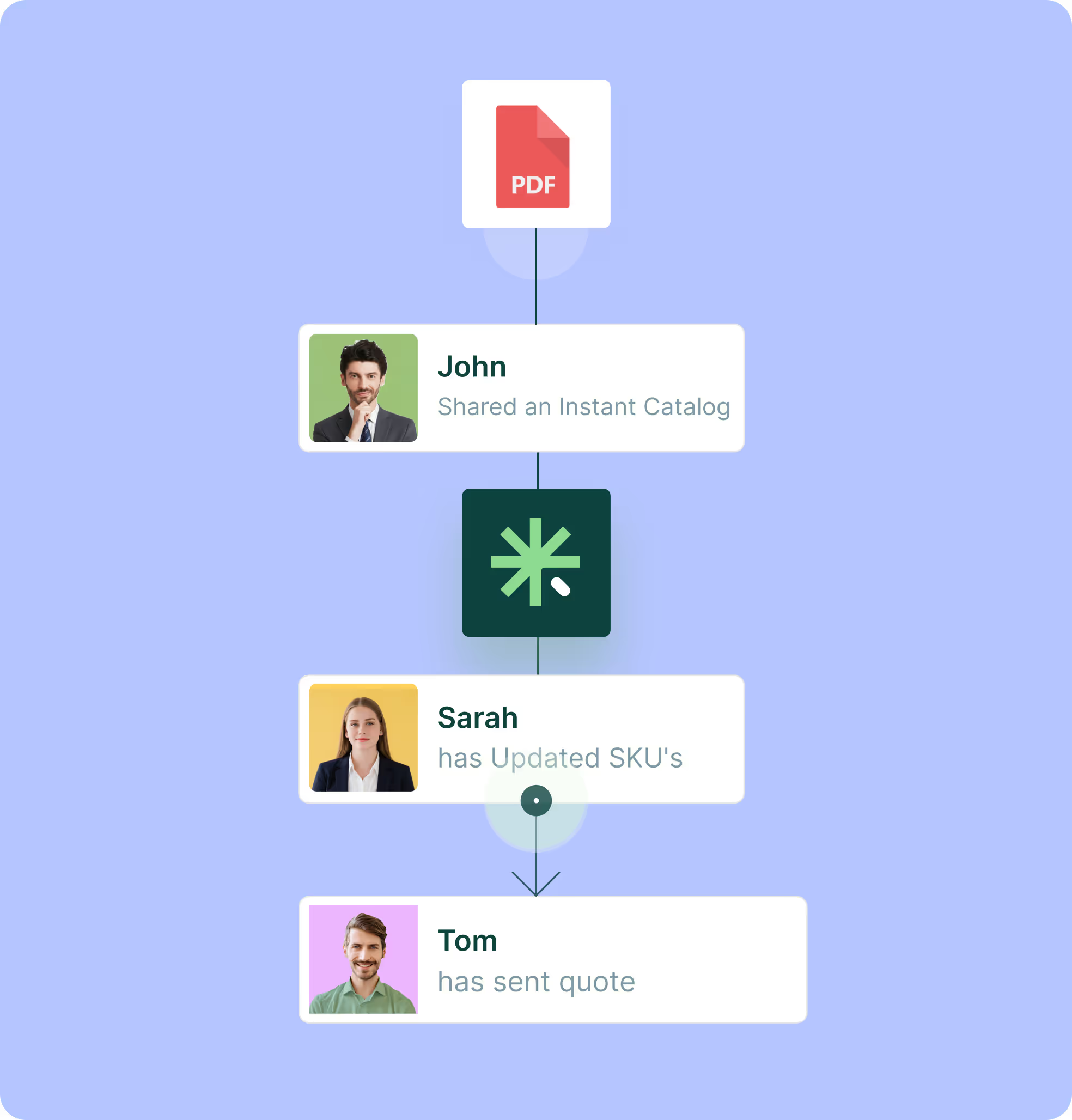
Turn Direct Industry leads into fast quotes. Each request ties back to the right SKU in Sales Layer with current specs, price, and files. Reps answer with fewer follow ups, share an Instant Catalog or a product set link, and capture the revision once. Attach PDFs from the DAM and keep price lists in sync. Quotes go out faster and with fewer errors, so sales moves forward. Audit history records changes, so the team trusts the data in every quote.
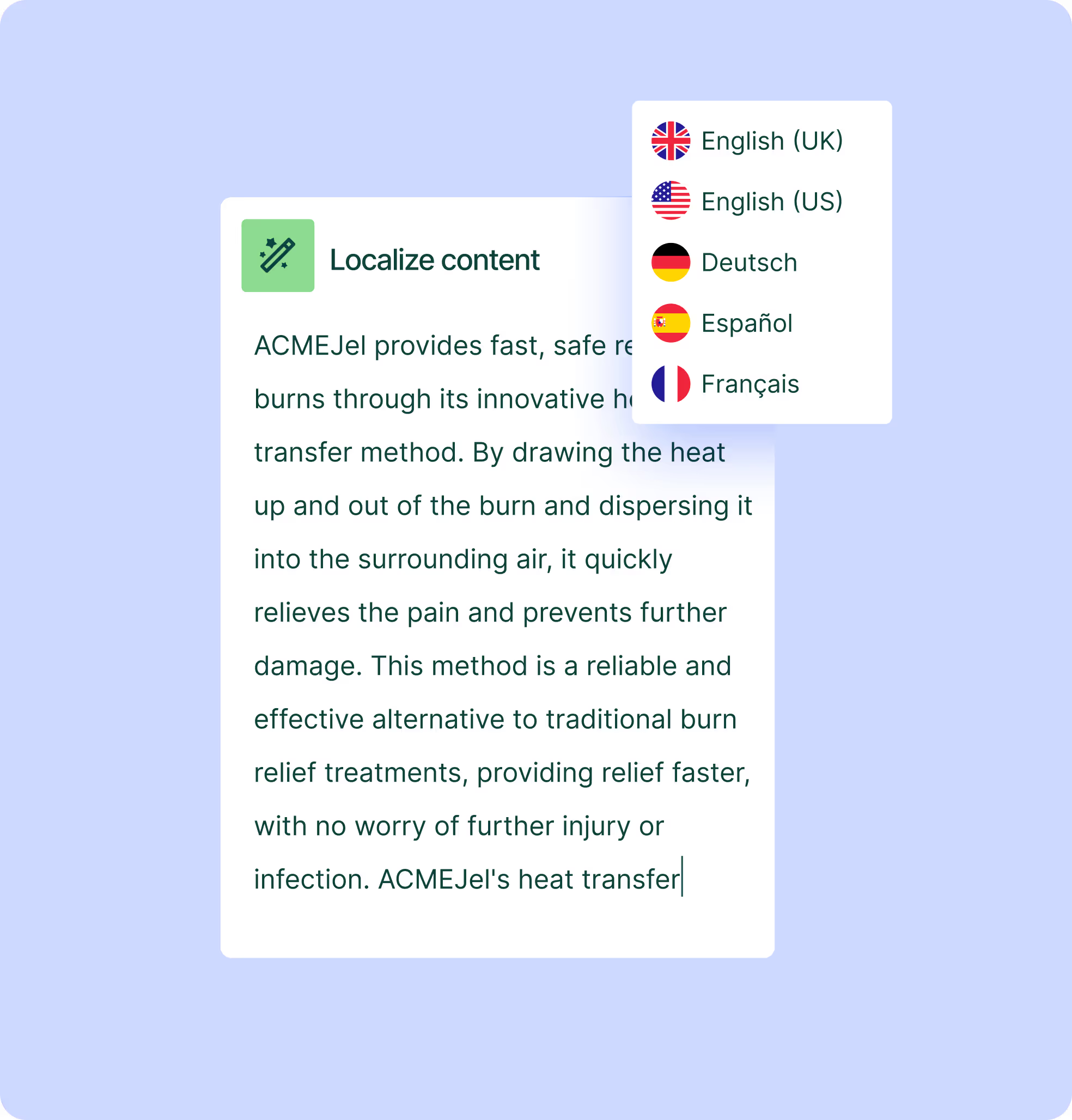
Reach buyers in nine languages with one catalog. Sales Layer keeps names, descriptions, and attributes per language. Use our Google translation integration and the AI content generator to draft translations fast, then edit and approve. Export the correct language pack to Direct Industry on a schedule, no extra files. Locale aware attributes and decimal formats keep terms consistent for search, filters, and RFQs.

Centralize products, variants, specs, and files, then set a DirectIndustry view with required fields.

Map IDs, specs, prices and asset URLs to DirectIndustry, test a sample file, then fix gaps with Quality Score.

Pick the SKUs to publish, schedule regular exports or quick updates, and choose FTPS or API delivery.

After ingestion, check run logs, fix flagged items in Sales Layer, reexport, and keep a versioned mapping.
PDFs serve two uses on Direct Industry. First, datasheets and manuals per product go in your Sales Layer feed as stable URLs, so they appear on product pages and update automatically at each export when the data changes in the PIM. Second, full product catalogs are uploaded as PDFs to Direct Industry’s Catalogs library in their portal, which is separate from the product feed. You can create these catalogs in Sales Layer by selecting the products, attributes, and languages you want, export in a few clicks, then upload. Keep one PDF per language and consistent filenames, and regenerate when data changes so buyers always see the latest version.
No. Sales Layer is built for non-technical teams and is recognized for its ease of use. You can map fields, set validations, and schedule exports without code. Start with one category, test a sample in Direct Industry, then scale. Keep the mapping versioned so changes stay under control.
Use parent and variant IDs. Put shared data at the parent, put size or model specific specs at the variant. Enforce required fields and units with attribute templates and rules in Sales Layer. Map clean attributes to category filters to improve findability. Include the right image set per variant. Validate with a small sample file, then publish the range.
Direct Industry buyers filter by technical attributes. Define required fields per category in Sales Layer, set ranges and allowed values, and standardize units. Use attribute templates so editors see only the fields that matter. Run a small test export to confirm that key specs map into category filters. Better spec coverage increases visibility in listings.
Yes. Build a channel view with include or exclude tags. Publish by collection, brand, or category. Hide obsolete items and stage new ranges before launch. When you change data, reexport without rebuilding the mapping. This gives marketing control without extra files.

Onboard in six weeks
Fast start with guided setup and simple imports, even for teams without technical backgrounds.

Workflows and permissions
Assign tasks, approvals, and roles so teams stay in sync.

Multi language and units
Translate attributes and content, manage units, and keep country versions aligned.

AI product description generator
Create better copy fast and keep tone consistent across lines.

Instant Catalogs and PDF Creator
Build shareable, searchable catalogs and export branded PDFs that stay up to date as the PIM changes.