

Precision built for Thomasnet. Sales Layer automates data exports, enforces completeness with Quality Scores, and structures catalogs so buyers find accurate, well-classified products faster driving better visibility and more RFIs.

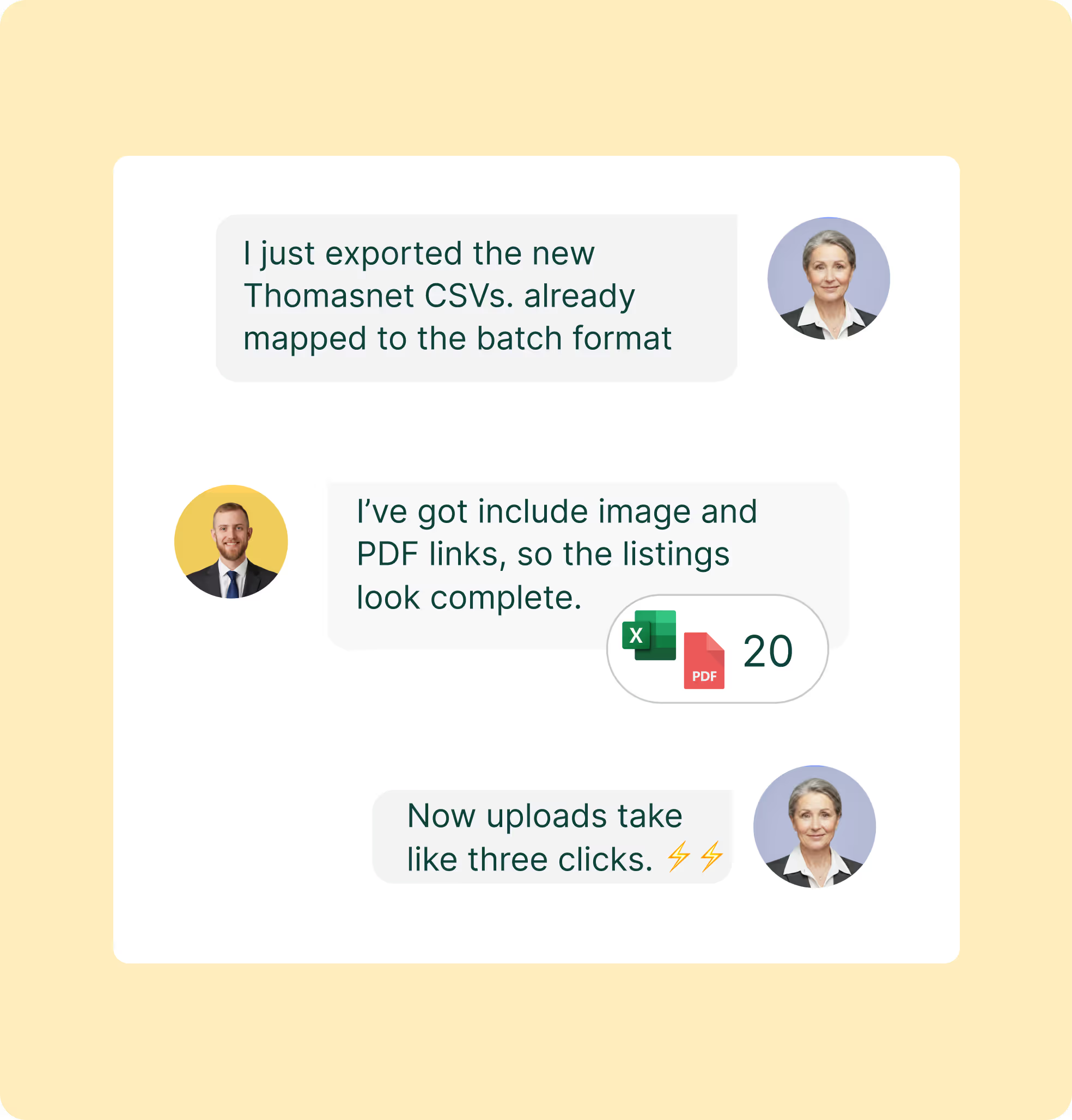
With Sales Layer, one catalog powers every Thomasnet update, producing CSV or Excel files the moment products change. Map fields a single time to match the Catalog Manager Batch format, and uploading takes just a few clicks. Export views can be saved per brand or family, complete with links to images and PDFs that buyers expect. Automate daily or weekly runs so new SKUs, specification edits, or price adjustments arrive on schedule, reducing errors and accelerating launches.
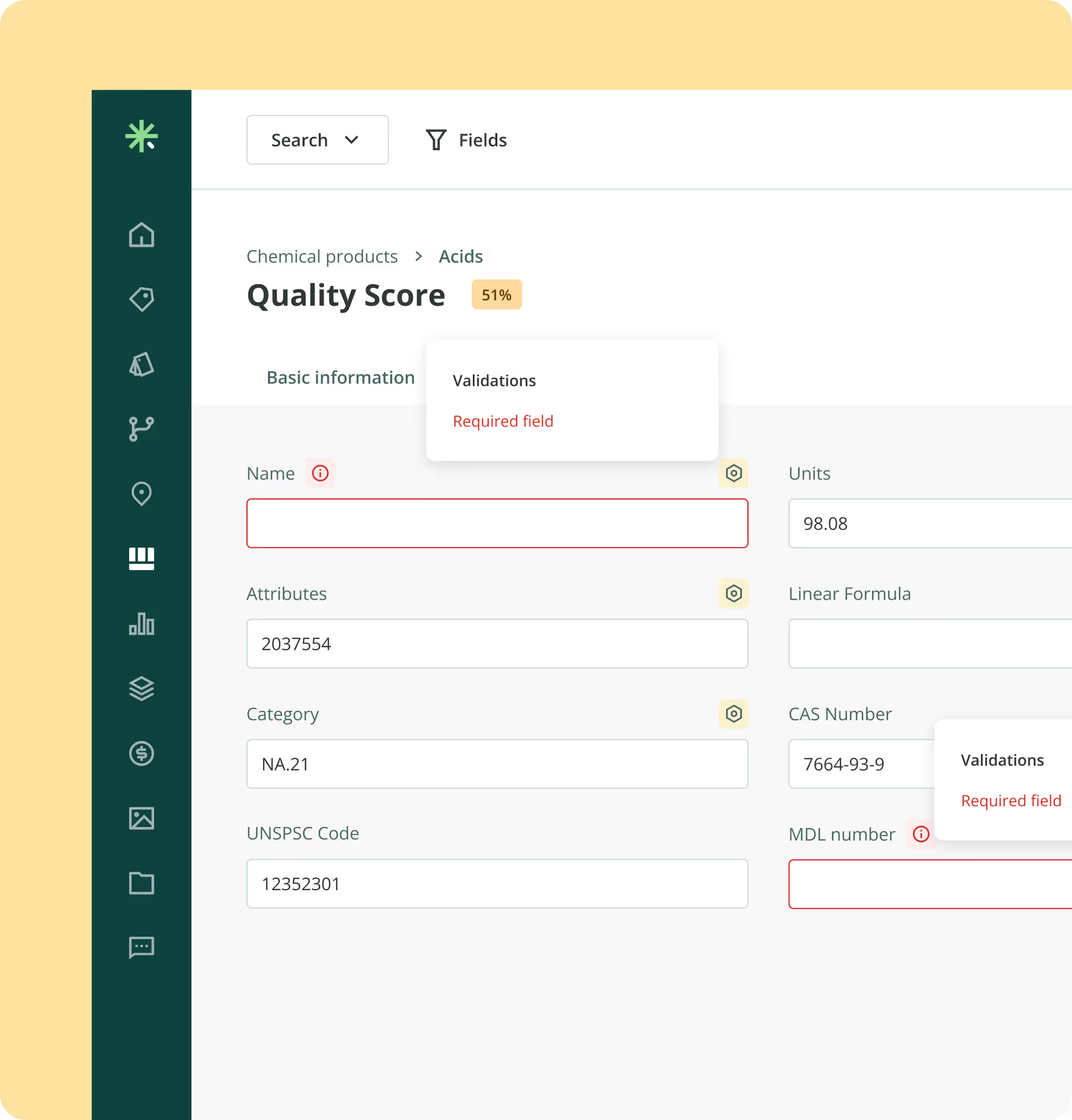
Provide buyers with the level of detail Thomasnet requires. The Quality Score highlights missing fields before export and prevents publishing until specifications are complete. Images, spec sheets, and manuals can be added so items display, sort, and filter correctly. Define mandatory fields by category to ensure nothing is missed during export. Cleaner data strengthens RFIs and minimizes back-and-forth with the Thomasnet team.
Model product families and variants in Sales Layer to reflect how buyers search. Parent and child items can be defined with required attributes, while units and names stay consistent across the catalog. Export the precise columns Thomasnet indexes, such as size, material, finish, voltage, or rating, so products appear in the right categories and compare accurately. Buyers locate items faster, RFIs are more precise, and your team reduces time spent fixing misclassified SKUs.
.avif)

Centralize items and assets, then use Quality Score and rules to mark each record Ready to publish.

Create a saved export view that matches Catalog Manager Batch, including IDs, attributes, and media.

Filter by brand, family, category or status. Include Ready items only, then run saved export to CSV or Excel.

In Catalog Manager Batch, upload the file, review on Stage, fix in PIM, rerun if needed, publish.
Yes. Create a Thomas channel in Sales Layer, tag the SKUs you want, and export by filter such as brand, family, or status. You keep one catalog, but control exactly what goes to Thomasnet.
No. In Sales Layer you add a Thomasnet channel, upload the Thomasnet template, and map fields in the UI. Set required field rules, save the export view, and run a CSV or XLSX on your schedule. Sales Layer is built for non-technical teams with an easy UI, so marketing can own the setup without developer support.
Update the mapping table in Sales Layer, run a pre-publish check, and use Quality Reports to spot gaps. If the import report flags issues, you jump straight to the affected records in Sales Layer, fix once, and re-export.
Model a parent with shared fields in Sales Layer, then add variants for size, finish, material, etc. The export includes parent and child links plus the spec columns Thomasnet expects. On Stage, check that items group under the parent and compare cleanly. Fix in the PIM and re-export if something looks off.
Yes. Store translations and unit conversions in Sales Layer. Build a Thomasnet export view per language or region if needed. Align units and attribute names with the category so filters work as buyers expect.

Onboard in six weeks
Fast start with guided setup and simple imports, even for teams without technical backgrounds.

Workflows and permissions
Assign tasks, approvals, and roles so teams stay in sync.

Multi language and units
Translate attributes and content, manage units, and keep country versions aligned.

AI product description generator
Create better copy fast and keep tone consistent across lines.

Instant Catalogs and PDF Creator
Build shareable, searchable catalogs and export branded PDFs that stay up to date as the PIM changes.