

Structured data, faster launches, stronger RFQs. Sales Layer centralizes TradeKey listings with mapped fields, validations, and workflows that cut errors, speed approvals, and deliver complete, searchable catalogs buyers trust.

Create a TradeKey channel view in Sales Layer with mapped fields and images tied to each SKU. Quality Score flags missing titles, specs, or pricing before export, so listings pass checks on first run. Keep families and variants consistent in every language. One naming standard improves search results and comparison. You spend less time fixing portal errors and more time adding categories and products buyers can find.
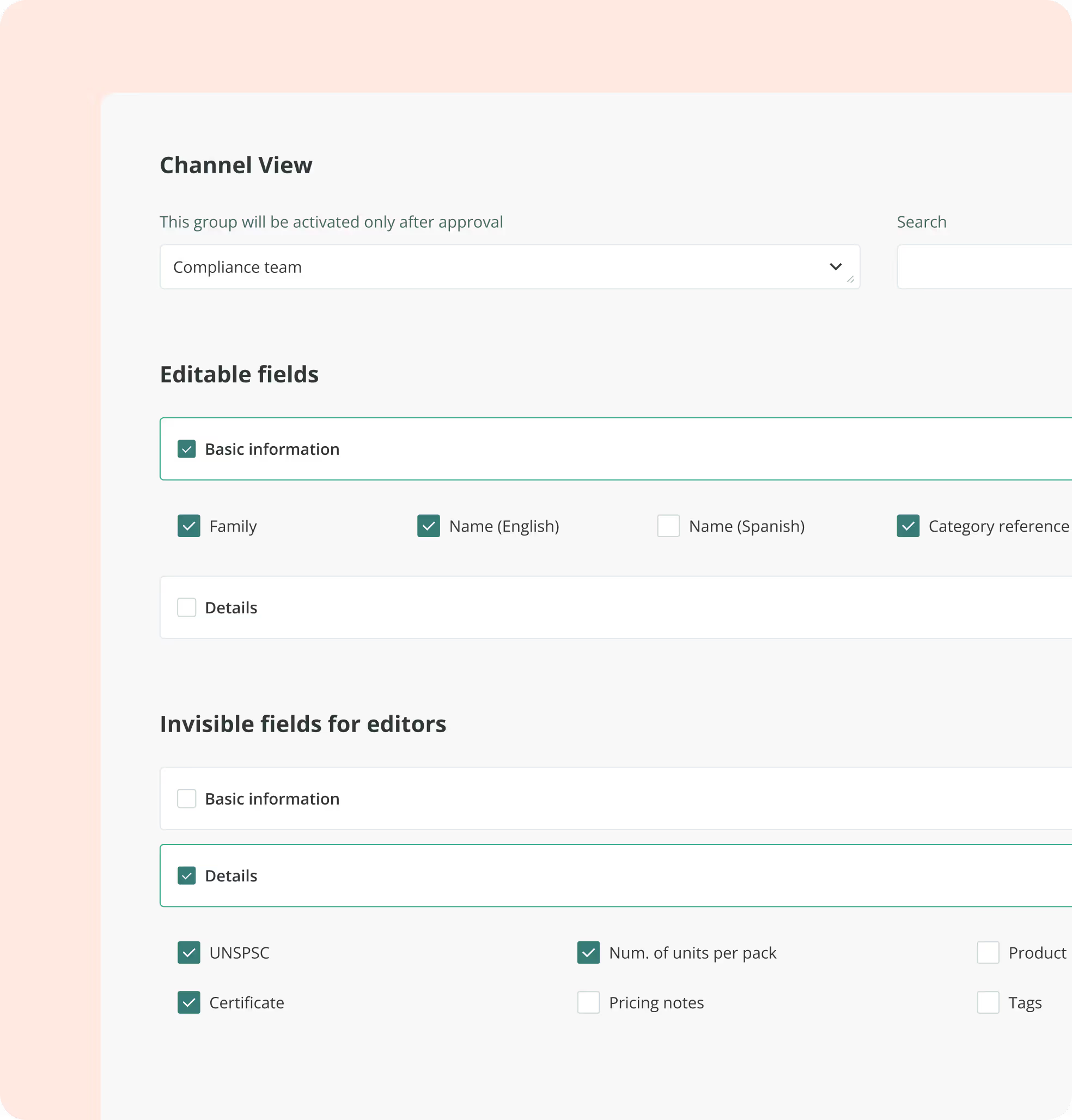
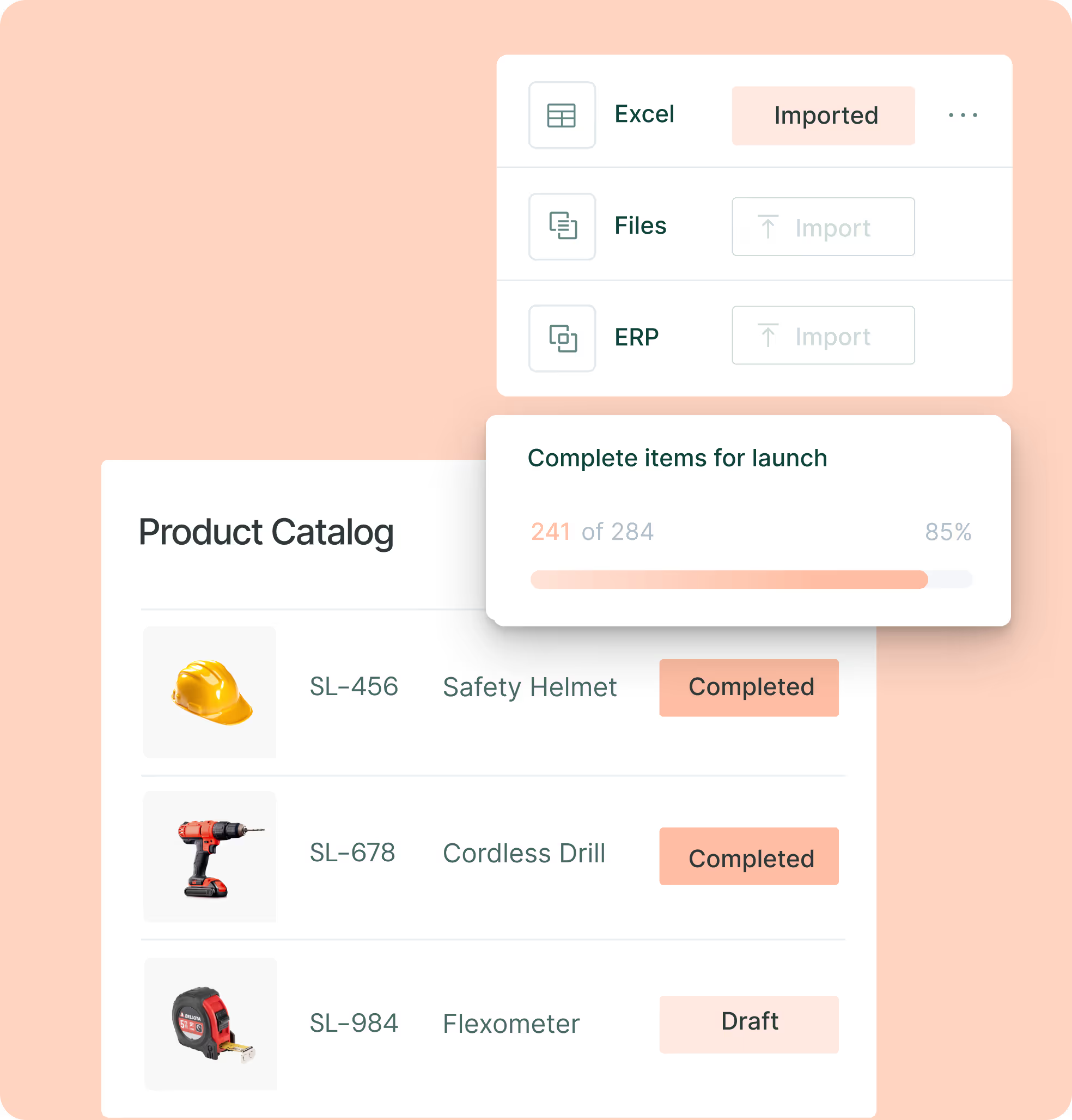
Move from ad hoc portal edits to a repeatable release plan. Run a staged workflow with role approvals and a go-live checklist, then gate incomplete items with required fields and export a ready file on a planned cadence. Price and lead time updates ride the same flow, so seasonal ranges ship on time. Version history and rollback protect you when specs change late. Your team scales assortment without firefights or last-minute spreadsheet fixes.
Make your TradeKey listings the easy choice. Sales Layer links spec tables, galleries, and brochure PDFs with each SKU, so pages answer buyer questions on the first view. Searchable documents help engineers validate details without email back and forth. Comparable attributes and filterable fields raise your visibility in buyer searches and category pages, lifting response rates and driving qualified RFQs.
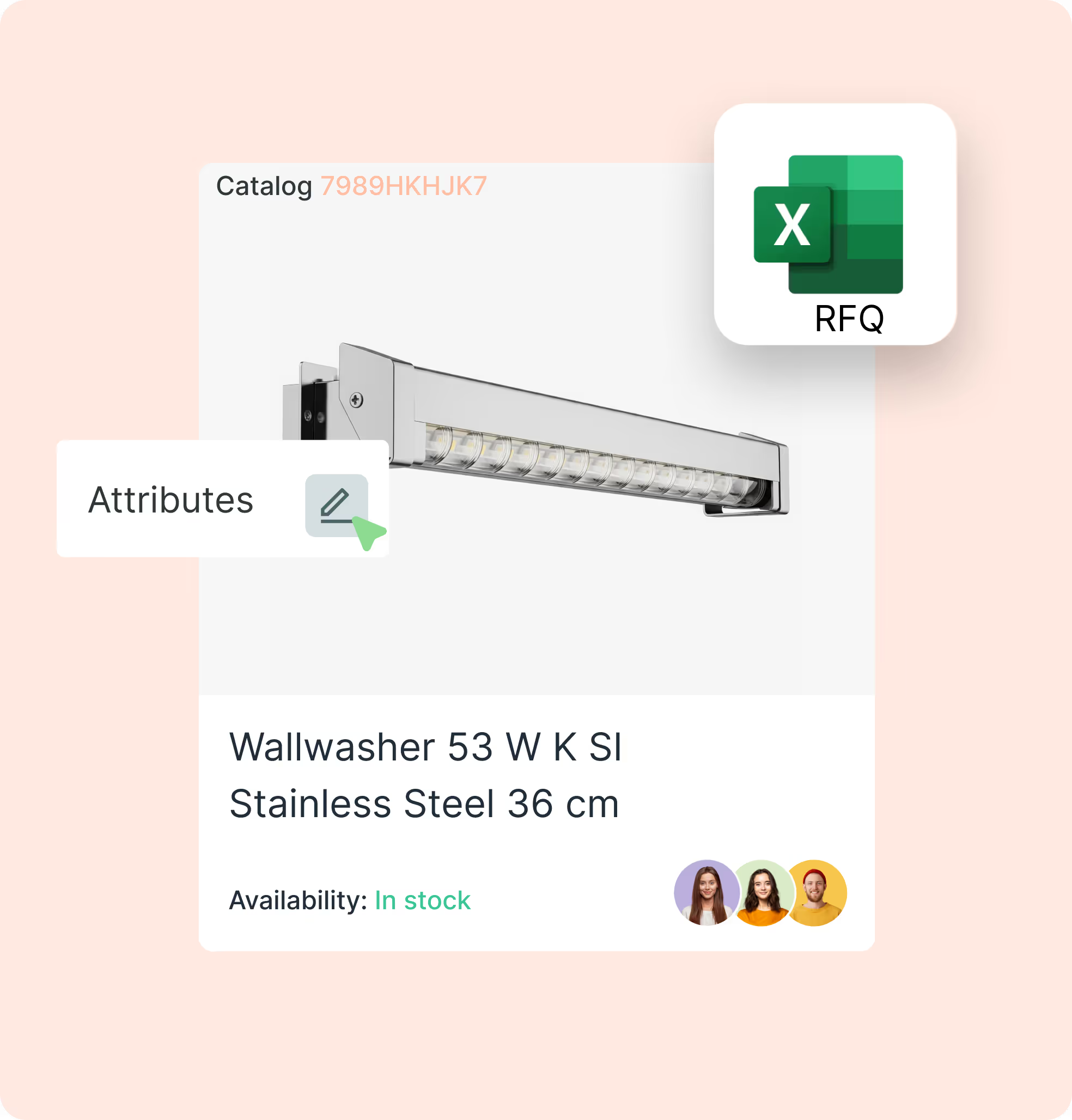

Centralize SKUs, variants, attributes, media, and PDFs in Sales Layer, and use the Quality Score to fix data gaps efficiently.

Map titles, categories, descriptions, key specs, images, pricing, MOQ, and brochure PDFs; save the mapping.

Filter by brand, family, category, region, and readiness; select SKUs and languages to include in this cycle.

Export CSV or XLSX on schedule, upload via TradeKey batch; track RFQs, fix in PIM, re-export, keep logs.
No. In Sales Layer you add a TradeKey channel and map fields in the UI. Set required-field rules, save the export view, and run a CSV or XLSX on your schedule. Upload the file with TradeKey’s batch upload. Sales Layer is built for non-technical teams with an easy UI, so marketing can own the setup without developer support.
Model parent and child items in Sales Layer. Decide whether to publish variants as separate rows or flatten core options into attributes, based on your category. Titles, galleries, and comparable attributes stay consistent, which makes category pages clearer and reduces duplicate edits.
Update the mapping in the TradeKey channel view, run a pre-publish check, and fix gaps flagged by Quality Score. Re-export and keep the same mapping for future cycles. Logs and version history show who changed what. Your team avoids portal rework and keeps listings aligned across markets.
Yes. Store data sheets, manuals, and certificates with each SKU in Sales Layer, then export brochure PDF links for your listings. TradeKey lets sellers upload brochures and its search can index that content, which helps buyers validate specs quickly. Use versioning so every listing shows the latest file.
Yes. Keep one catalog for all markets. In Sales Layer, names, descriptions, attributes, and PDFs live per language at the SKU. Draft translations with the Google Translate integration or the AI content generator, then review and approve in one place. Export the right language pack to TradeKey on a schedule with no extra files. Locale-aware labels, units, currencies, and decimal formats keep search, filters, and RFQs consistent.

Onboard in six weeks
Fast start with guided setup and simple imports, even for teams without technical backgrounds.

Workflows and permissions
Assign tasks, approvals, and roles so teams stay in sync.

Multi language and units
Translate attributes and content, manage units, and keep country versions aligned.

AI product description generator
Create better copy fast and keep tone consistent across lines.

Instant Catalogs and PDF Creator
Build shareable, searchable catalogs and export branded PDFs that stay up to date as the PIM changes.